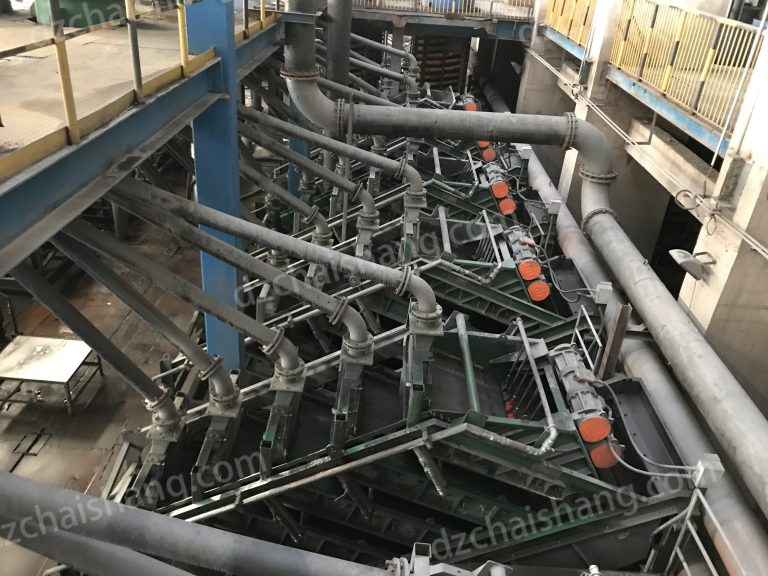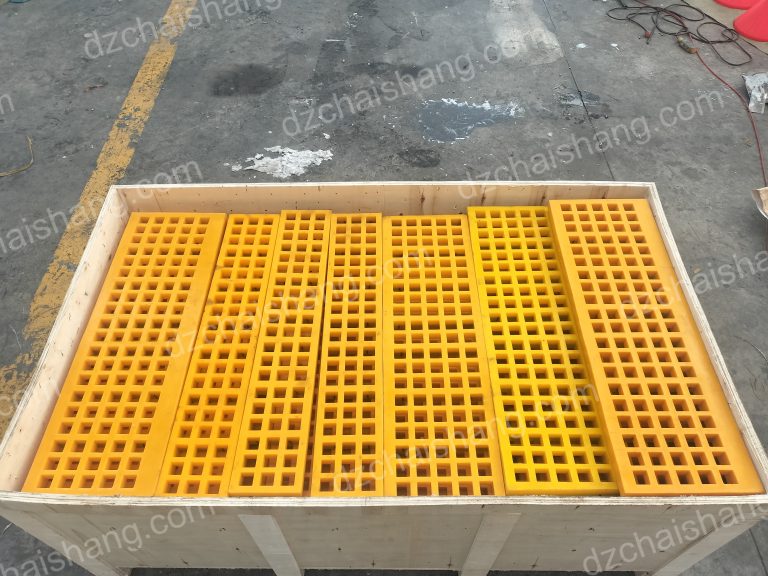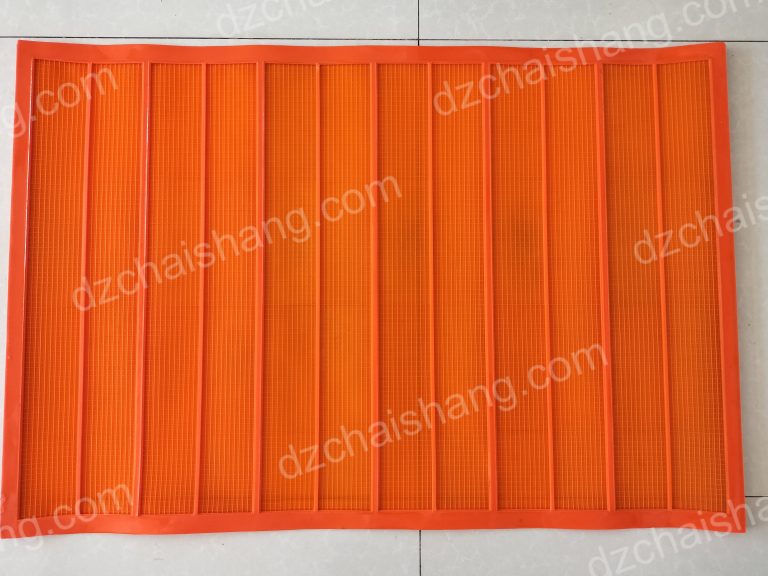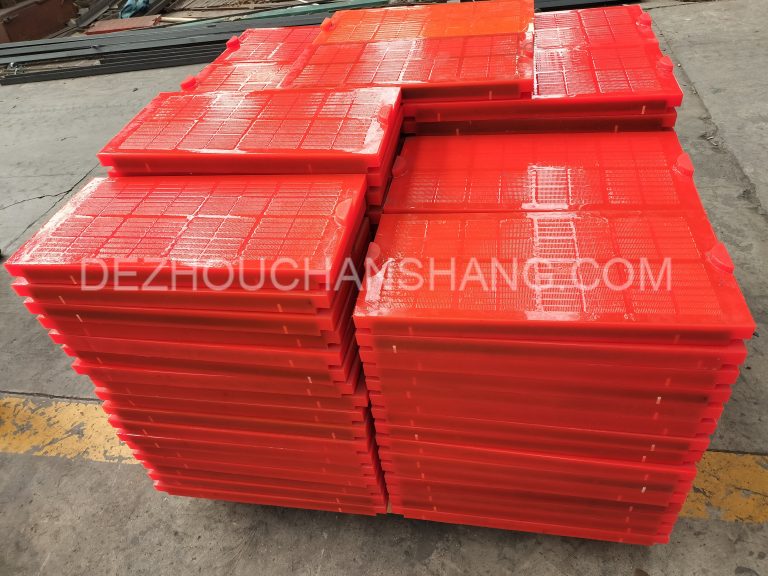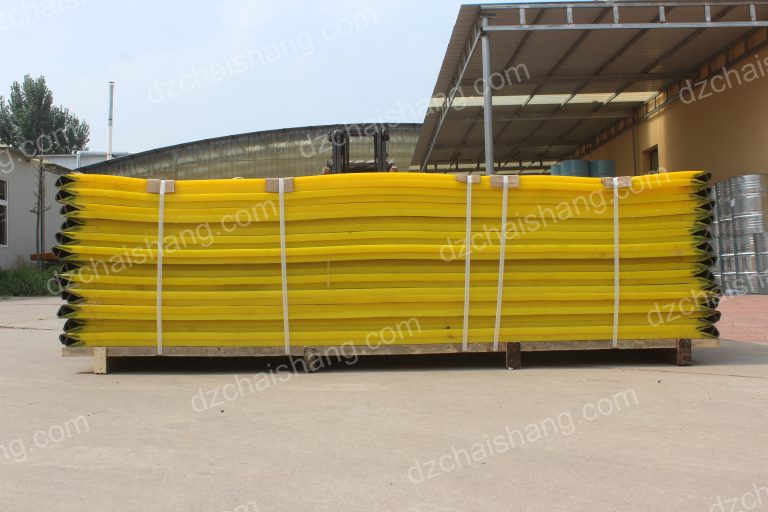

What Really Affects the Wear Life of Flip Flow Polyurethane Screens?
Your <a href="/tag/flip-flow-screens" target="_blank"><strong><a href="/tag/flip-flow" target="_blank"><strong>Flip Flow</strong></a> <a href="/tag/screens" target="_blank"><strong>screens</strong></a></strong></a> are wearing out too fast, costing you downtime and money. You need a solution that extends their life, but you're not sure what's causing the problem.
The most significant factors impacting the wear life of a flip flow <a href="/tag/polyurethane-screen" target="_blank"><strong><a href="/tag/polyurethane" target="_blank"><strong>polyurethane</strong></a> <a href="/tag/screen" target="_blank"><strong>screen</strong></a></strong></a> are the characteristics of the material being screened, the correctness of the installation, and the operational settings of the machine. Abrasive materials, improper tension, and excessive vibration all drastically reduce screen lifespan.[^1]

I've been in this business for a long time, and I've seen it all. A brand new set of screens can get destroyed in weeks, while another set on a similar machine lasts for months. It often comes down to a few key details that are easy to overlook but make a huge difference in the long run. Understanding these factors is the first step to getting more value and less downtime from your equipment. Let’s dive into what you need to watch out for.
How Do Material Characteristics Impact Screen Durability?
You're screening tough materials and notice your screens just aren't holding up. The constant abrasion seems to be eating through the polyurethane faster than you expected, causing costly replacements.
The physical and chemical properties of the material you are screening directly affect screen wear. Hard, sharp, or corrosive materials will degrade the polyurethane surface much faster than smooth, non-abrasive particles.[^2] This is the single biggest factor in determining the operational life of your screens.

I always tell my clients to think of it like sandpaper. If you're screening smooth, round river sand, it's like rubbing the screen with a fine-grit paper. But if you're processing crushed granite with sharp, angular edges, it's like taking a coarse, heavy-grit paper to it. The impact is completely different. It's not just about hardness; the shape and even the chemistry of the material play a huge role. I've seen situations where a simple change in the source of the aggregate led to a 50% reduction in screen life. That's why we need to look closely at what you're putting on the screen.
Material Properties and Their Effects
The material itself is in constant, aggressive contact with the screen. Let's break down the main culprits that accelerate wear.
- Hardness and Abrasiveness: This is the most obvious one. Materials with high hardness, like silica or granite, act like tiny cutting tools that scrape and gouge the polyurethane surface with every vibration.[^3]
- Particle Shape: Sharp, angular particles cause more damage than round, smooth ones.[^4] The sharp edges concentrate force on small points, leading to micro-tears and cuts that grow over time.
- Corrosiveness: Some materials can be chemically aggressive.[^5] If you're doing wet screening with acidic water or processing materials with a high salt content, it can chemically attack the polyurethane, making it brittle and weak.
Here is a simple table to show what I mean:
| Material Property | Effect on Polyurethane Screen | Example Material |
|---|---|---|
| High Hardness | Increased abrasion and scratching | Crushed Granite, Quartz |
| Sharp Shape | Causes cuts and tears | Crushed Glass, Slag |
| High Acidity/pH | Chemical degradation, brittleness | Certain mineral ores, wash water |
| High Temperature | Softens PU, reduces tear strength | Hot asphalt materials |
Understanding your material is the first step to selecting the right screen and predicting its lifespan.
Can Improper Installation Ruin Your Screens?
You've invested in high-quality screens, but they're failing prematurely near the edges or connection points. You suspect something went wrong during the setup, but you're not sure what.
Yes, improper installation is a major cause of premature screen failure. If a screen is too tight, it creates stress points that can tear. If it's too loose, it will flap and rub against the support frame, causing severe frictional wear.

I remember a customer who called me, frustrated because his screens were tearing at the bolt holes after just a few weeks. When I got to his site, I could see the problem immediately. His team had overtightened the screens, thinking "tighter is better." They were trying to prevent any movement, but in doing so, they didn't allow the screen to flex as it was designed to. This created massive stress right at the fastening points. We reinstalled a new set with the correct tension, and that set lasted for months. It's a delicate balance. You need it secure, but you also need to let it breathe and move with the machine's action.
The Problem with Over-Tensioning
When you tighten a polyurethane screen too much, you're pulling it so taut that it can't stretch and rebound properly. The high-energy "flip flow" action requires this elasticity.
- Stress Concentration: All the vibrational force gets concentrated at the fixed points, like the bolt holes or clamp rails. Instead of the force being distributed across the whole <a href="/tag/screen-panel" target="_blank"><strong>screen panel</strong></a>, these small areas take the full brunt of the impact.
- Reduced Elasticity: The screen loses its ability to "snap" and clear material effectively. It behaves more like a rigid panel, which increases the impact force from the material and leads to premature cracking. Think of stretching a rubber band to its absolute limit; even a small nick can cause it to snap.
The Danger of Loose Screens
On the other hand, a screen that is too loose is just as bad, if not worse.
- Frictional Wear: A loose screen will constantly slap and rub against the support deck and cross members underneath it.[^6] This constant friction acts like a file, grinding away the polyurethane from the bottom up. I’ve seen screens that looked fine on top but were completely worn through from underneath.
- Inefficient Screening: The screen won't have the right "trampoline" effect. It will sag and won't transfer energy effectively to the material bed, leading to poor screening efficiency and blinding.
Getting the tension just right is critical, and it’s something your supplier or the manufacturer’s manual should give clear guidance on.
Are Your Machine Settings Damaging Your Screens?
Your machine seems to be running aggressively, and while throughput is high, your <a href="/tag/screen-panels" target="_blank"><strong>screen panels</strong></a> are failing faster than ever. You're wondering if you're pushing the equipment too hard.

I once worked with a quarry manager who was very proud of how much material he could push through his plant in an hour. He had his machine's stroke and frequency cranked up to the maximum settings. He was moving a lot of rock, but he was also calling me every month to order new screens. We did a little experiment and dialed back the machine's aggression by just 10%. His throughput dropped slightly, but his screen life more than doubled. His overall cost per ton produced went down significantly. Sometimes, running a machine at 100% capacity isn't the most profitable way to operate.
Finding the Sweet Spot for Machine Parameters
Every machine has a range of settings, and finding the right balance between production and preservation is key. Pushing these settings to the extreme will always accelerate wear on all components, especially the screens.
- Stroke and Amplitude: This is the distance the screen moves during each cycle. A longer stroke is more aggressive and can be great for clearing sticky material, but it also puts more stretching force on the <a href="/tag/polyurethane-panels" target="_blank"><strong>Polyurethane Panels</strong></a>. It's a more violent action that accelerates fatigue and tearing, especially at the flex points.
- Frequency (RPM): This is how fast the machine vibrates. Higher frequencies can improve screening efficiency for fine materials, but they also mean more stretching cycles in a given period. More cycles mean more fatigue. Think of bending a paperclip back and forth; the faster you do it, the faster it breaks.
- Feed Rate: Overloading the screen with too much material at once creates a very deep material bed.[^8] This heavy load dampens the screen's action and increases the abrasive pressure on the surface. Instead of particles bouncing freely, they are ground against the screen under the weight of the material above them.
The goal is to run the machine aggressively enough to meet production targets and keep the screen clean, but not so aggressively that you are literally tearing your screens apart. Regular checks and adjustments are necessary to find this operational sweet spot.
Conclusion
Material type, proper installation, and machine settings are the top three factors that determine how long your flip flow screens will last. Mastering them is key to reducing downtime.
[^1]: "What affects the cost and lifespan of vibrating screens?", https://www.facebook.com/groups/713213529477452/posts/2235397240592399/. This source explains how abrasive materials, incorrect tensioning, and excessive vibration contribute to the premature wear of polyurethane screens. Evidence role: mechanism; source type: research. Supports: Abrasive materials, improper tension, and excessive vibration all drastically reduce screen lifespan.. [^2]: "Biodegradation of Polyurethane by Fungi Isolated from ... - PMC", https://pmc.ncbi.nlm.nih.gov/articles/PMC11125171/. This source provides evidence on how material properties like hardness, shape, and corrosiveness affect the wear rate of polyurethane screens. Evidence role: mechanism; source type: research. Supports: Hard, sharp, or corrosive materials will degrade the polyurethane surface much faster than smooth, non-abrasive particles.. [^3]: "Mechanical Performance of Granite Fine Fly Dust-Filled Basalt ...", https://pmc.ncbi.nlm.nih.gov/articles/PMC8466585/. This source provides data on how high-hardness materials like silica and granite accelerate wear on polyurethane screens. Evidence role: mechanism; source type: research. Supports: Materials with high hardness, like silica or granite, act like tiny cutting tools that scrape and gouge the polyurethane surface with every vibration.. [^4]: "Effect of particle size distribution on screening efficiency of ...", https://pmc.ncbi.nlm.nih.gov/articles/PMC12612209/. This source explains how particle shape influences the wear rate of polyurethane screens, emphasizing the damage caused by sharp, angular particles. Evidence role: mechanism; source type: research. Supports: Sharp, angular particles cause more damage than round, smooth ones.. [^5]: "Restorative Materials Exposed to Acid Challenge: Influence of ...", https://pmc.ncbi.nlm.nih.gov/articles/PMC8945017/. This source discusses how chemically aggressive materials, such as those with high acidity or salt content, degrade polyurethane screens. Evidence role: mechanism; source type: research. Supports: Some materials can be chemically aggressive.. [^6]: "The effect of vibratory screens on supporting structures", https://collections.lib.utah.edu/details?id=195953. This source describes how loose screens cause frictional wear by rubbing against support structures. Evidence role: mechanism; source type: education. Supports: A loose screen will constantly slap and rub against the support deck and cross members underneath it.. [^7]: "The Effect of a Screen Protector on Blue Light Intensity Emitted ...", https://pmc.ncbi.nlm.nih.gov/articles/PMC7813134/. This source outlines how machine settings like stroke, frequency, and feed rate influence the durability of polyurethane screens. Evidence role: mechanism; source type: research. Supports: The operational settings of your screening machine, such as its stroke, frequency (RPM), and feed rate, have a direct and powerful impact on the lifespan of your polyurethane screens.. [^8]: "How to select the right screen", https://www.rockprocessing.sandvik/en/the-knowledge-hub/screening-solutions/all-about-screens/how-to-select-the-right-screen/. This source discusses how overloading screens with excessive material depth impacts their performance and durability. Evidence role: mechanism; source type: research. Supports: Overloading the screen with too much material at once creates a very deep material bed..